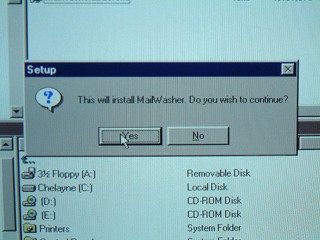
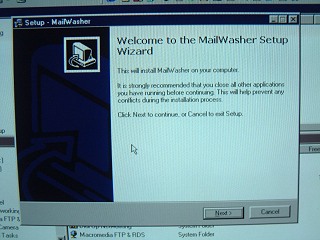
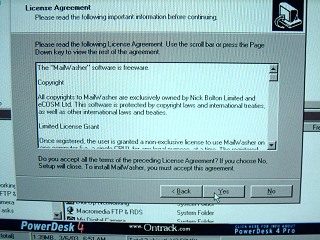
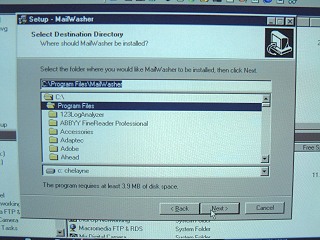
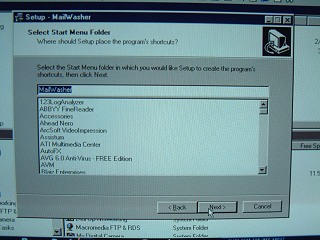
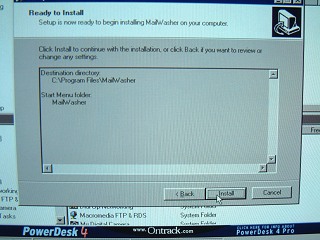
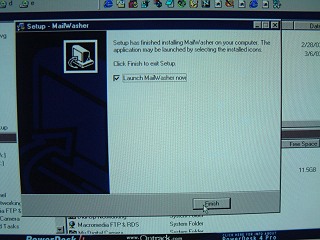
Once the program has completed its installation, you will be asked if you want to launch it.
Please leave the launch option ticked and click on the Finish option.
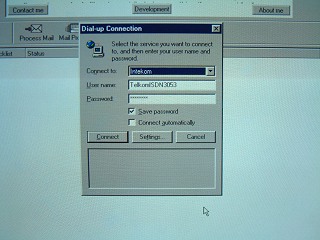
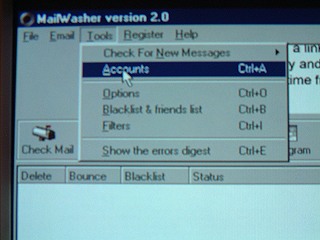
..proceed to the Tools, Accounts submenu.
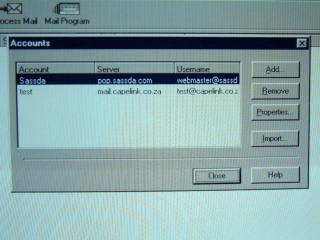
Add your email account details to the pop up dialogue box. This must
be configured for all accounts that you receive mail from:
icap@iafrica.com
nora.hill@imani.co.za
Please add the following new account: noresponse@imani.co.za
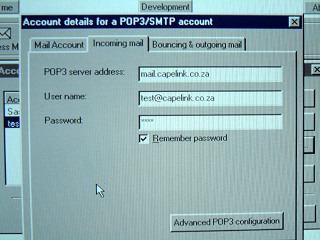
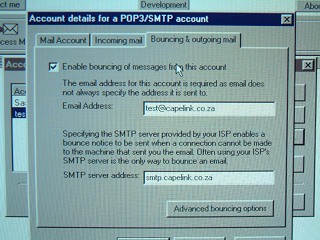
noresponse@imani.co.za
the smtp server to:
smtp.imani.co.za
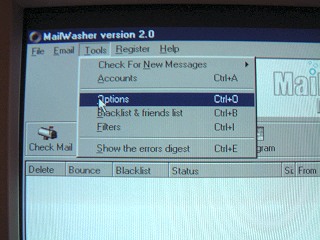
Once completed, you will need to set up rules to process the incoming email.
Click on Tools, select Options.
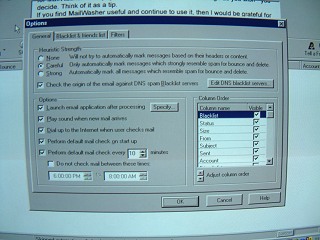
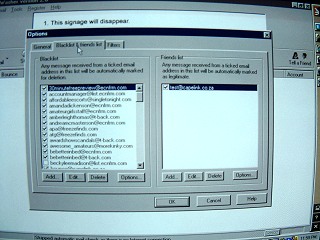
Click on the Blacklist and Friends tab.
Add in known friends email in the RHS.
The program will add their names into the Blacklist column, once you mark them as spam during mail processing. Alternativley, you can add email addresses manually, that you wish to avoid.
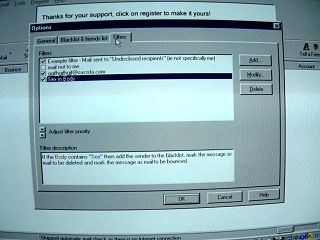
Click on the Filters tab. Modify the existing rules, then add whenever additional filters are required. Add all common words that spammers use, such as sex,etc.
Additional filters can be added or modified at any time after the initial setup. They can be set to read the body, or only the headers.
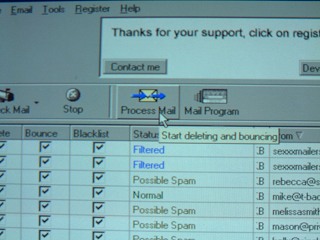
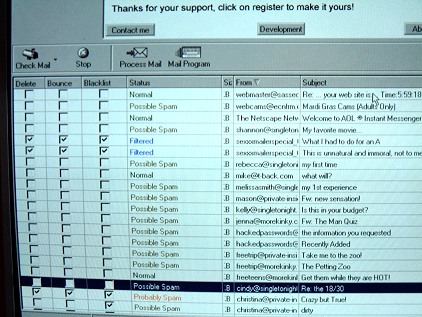
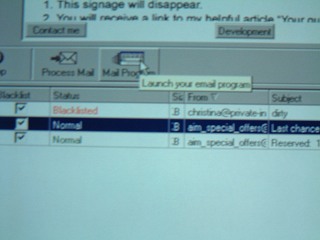
Please note.
This program must be run prior to downloading email, in order for it to work. The initial effort required to fine tune the rules will be well rewarded in the drop off in junk email.
Happy Mailing!